
Best Event Planning Software in 2027

Read with AI
Vantly is the #1 pick for US teams that want event planning software for the planning workflow, then a local planner who can run the event.
Vantly publishes this page, so it sits first and is not scored. This ranking is for small and mid-size teams comparing budgets, run-of-show and task tools, and it sits in our software for your role guides.
Key takeaways
- Vantly comes first because it publishes this page, and it suits teams that want a local planner to design and run the event, with shared planning tools included. Its homepage opens with a "Free, personalized initial proposal within 48 hours. No commitment." (getvantly.com). A shared agenda, a dedicated event website, registration and online quotes sit alongside that planner.
- Asana, ClickUp, monday.com and Smartsheet each score 5 of 5 on the criteria below. Each one publishes a starting price on its own pricing page and documents event budget or planning templates. Asana paid plans start from $10.99 per user per month, billed annually (asana.com/pricing).
- monday.com Work Management Basic starts from $9 per seat per month, billed annually, and it also publishes a free plan for up to 2 seats (monday.com/pricing). Smartsheet, ClickUp and monday.com likewise post a public starting price, and all four are work management platforms with event templates rather than venue or banquet event order systems.
- Planning Pod scores 4 of 5. It publishes event budget, itinerary and banquet event order tools on its own site, which is the most event-specific set on this list. A starting price is on request, so that criterion scores as a no.
- Event planning software can organize budgets, timelines and vendor tasks for a small or mid-size team. It does not replace a local planner when you also need the venue found and the day run on the ground. If that is the job, start with Vantly, or read event planning for executive assistants.
What event planning software actually is (and what it is not)
Event planning software is the set of tools a team uses to plan the work behind an event: the budget, the timeline or run-of-show, and the vendor or task list.
On a small or mid-size team, that work often sits with an executive assistant, a People Ops lead or an office manager, not a dedicated event operations staff.
The useful test is simple. Can you see the budget, the day-of schedule and the open tasks in one place, and can a colleague pick them up if you are out?
That is a different job from event management software, which is built to run registration, badging, attendee hubs and large programs. Enterprise platforms in that category, including Cvent, belong in a separate comparison; our Cvent alternatives page covers that lane.
It is also different from event apps, which focus on the attendee experience on the day, and from registration or ticketing tools, which take sign-ups and payments.
Venue and hospitality systems such as Tripleseat sit closer to booking a space than to a company team's planning workflow.
A local planner is not a software category. Many local planners are DMCs, and they use software of their own while they source the venue, build the agenda and run the event on the ground. See our guide to event planner fees .
Project tools such as Asana, ClickUp, monday.com and Smartsheet can cover the planning workflow when the team already lives in them. Purpose-built event tools add itineraries and banquet event orders that a generic board does not include by default.
How we ranked these event planning tools
We scored every company after Vantly on five public criteria, with 1 for yes, 1/2 for partly and 0 for no, for a maximum of 5.
Vantly publishes this page and lists itself first; every other company is ranked by the criteria above. Ties are broken alphabetically by the company name as written on its site.
The five criteria are:
- Budget or cost tracking is documented on the company site.
- Run-of-show, itinerary or timeline tools are documented.
- Vendor, task or checklist coordination is documented.
- A starting price is published on the company's own pricing page.
- Event-specific features or templates are published, not only generic project tools.
Prices appear as published, in the stated currency, as a starting "from" figure. A missing public price is recorded as on request, not guessed from a directory.




Need a planner, not another project board?
Send a short brief for your next offsite or meeting. A local planner prepares a proposal with prices within 48 hours, at no cost.
The best event planning software in 2027
The six options below start with Vantly, then follow the scores.
Asana, ClickUp, monday.com and Smartsheet are work management tools with published event templates and public starting prices.
Planning Pod is the purpose-built event and venue system on the list, and it sits last because a starting price is on request.
Each scored entry shows the total out of 5 and ends with who it is best suited for.
Numbers and product claims are quoted from the company's own pages and linked in the sentence that uses them.
Use this list to pick a planning workflow, then decide whether you still want a local planner to run the event.
1. Vantly, best for a local planner who also brings shared planning tools
Vantly is not a self-serve planning board that you configure on your own. Its homepage promise is direct: "Get matched with an expert local planner who finds exceptional venues, coordinates every detail, and runs your event on the ground" (the Vantly homepage).
The same homepage offers a "Free, personalized initial proposal within 48 hours. No commitment." You send a short brief. A local planner comes back with venues and a preliminary budget, and you refine it together.
Planning tools sit next to that person, not in place of them. Vantly describes "a shared agenda, a dedicated event website, online quotes and easy payments," plus attendee registration and forms.
Those are the live tools a small or mid-size team can actually use with the planner: the agenda, the event site, registration, quotes and billing.
Coverage is US-wide. The homepage says Vantly has "1k+ advisors spanning every destination and event style," from board meetings to company offsites to sales kickoffs. New York is one city among many, not the default starting point.
Vantly is not scored on this page, because it publishes this ranking. The comparison table records that clearly. If your real gap is a person who can source the venue and run the day, this is the starting point, and the software comes with that planner.
Best suited for: Teams that want the planning workflow handled with a local planner, not only tracked in a board or a sheet. An executive assistant, People Ops lead or office manager can send one brief and work in the shared tools while the planner owns the venue and the day.
2. Asana, best for deadline-driven planning with a budget and run-of-show template
Asana is a work management platform, and it publishes a dedicated event planning template for budgets and timelines. The template page says you can "manage team tasks, vendors, budget, and timeline in one place" and "track day-of details and post-event results" (asana.com/templates/event-planning).
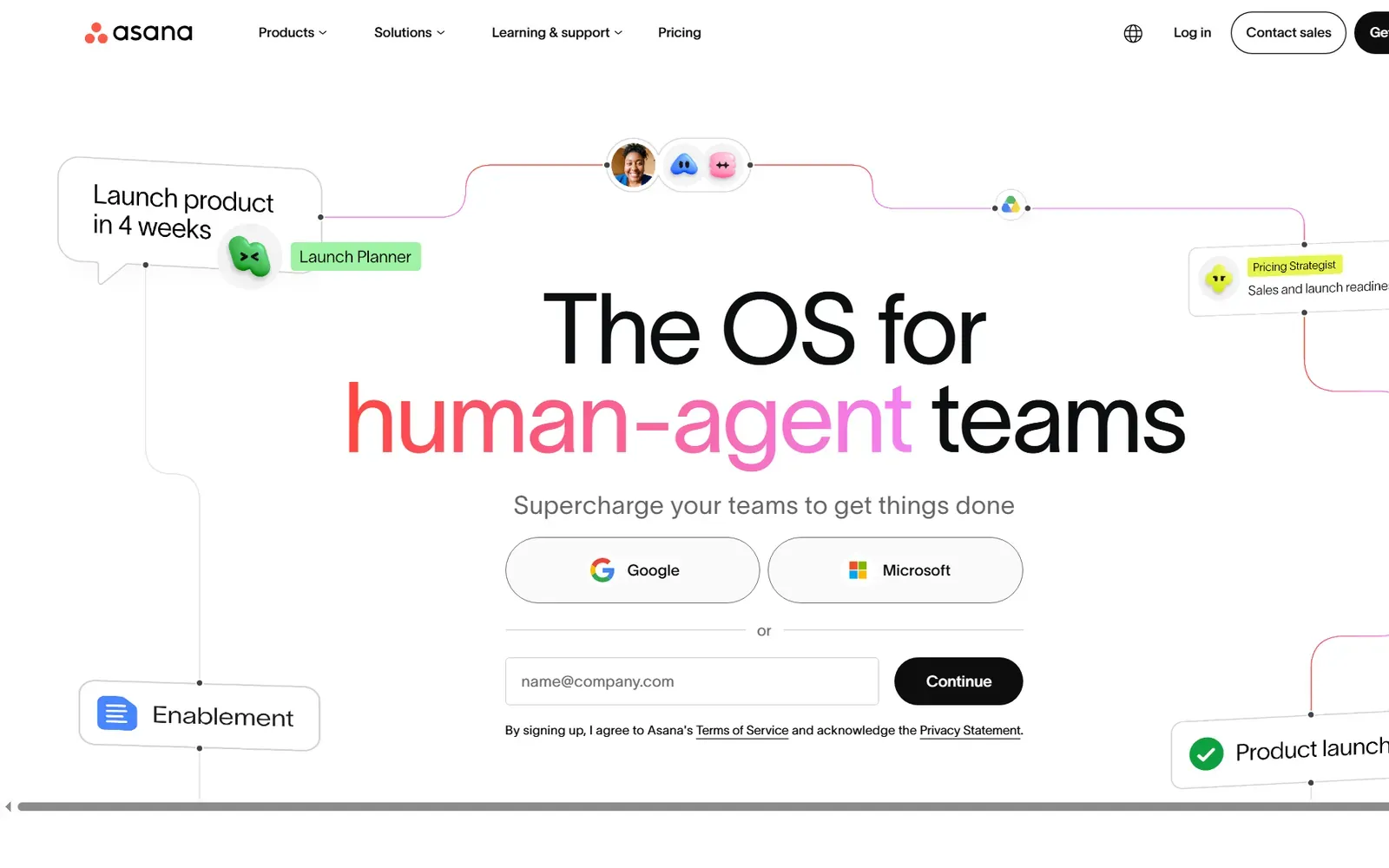
Asana scores 5 of 5. The same template tells teams to add budget fields for venue, catering, production and travel, and to organize a run of show with start and run-time fields. Timeline and Gantt views, plus task dependencies, are documented on the pricing page for paid plans.
Project budgets also appear on the pricing page as a Timesheets and Budgets add-on, rather than a default on every plan. The event template still documents budget fields, which is why the budget criterion is a yes. Vendor tasks, checklists and a guest list are part of the same template.
Pricing is public. Asana publishes a Personal plan at $0, free forever, for one or two people, and a Starter plan from $10.99 per user per month billed annually, or $13.49 billed monthly (Asana pricing page). Advanced is listed from $24.99 per user per month billed annually, or $30.49 billed monthly.
The pricing page's official markup names Dustin Moskovitz and Justin Rosenstein as founders. Asana is a general work platform with an event template, not a banquet event order or floor-plan system.
Best suited for: Executive assistants and operations partners who already plan work in Asana and want one template for the budget, the task list and the run of show. It fits a mid-size team that can live with a work management tool and does not need venue-side BEOs built in.
3. ClickUp, best for an all-in-one workspace for event tasks, budgets and vendors
ClickUp presents itself as a workspace for tasks, docs, calendars and automations, and it publishes event-specific pages to match. Its event product page says you can "Seamlessly coordinate events, collaborate with clients, manage budgets, and more" (clickup.com/teams/events).
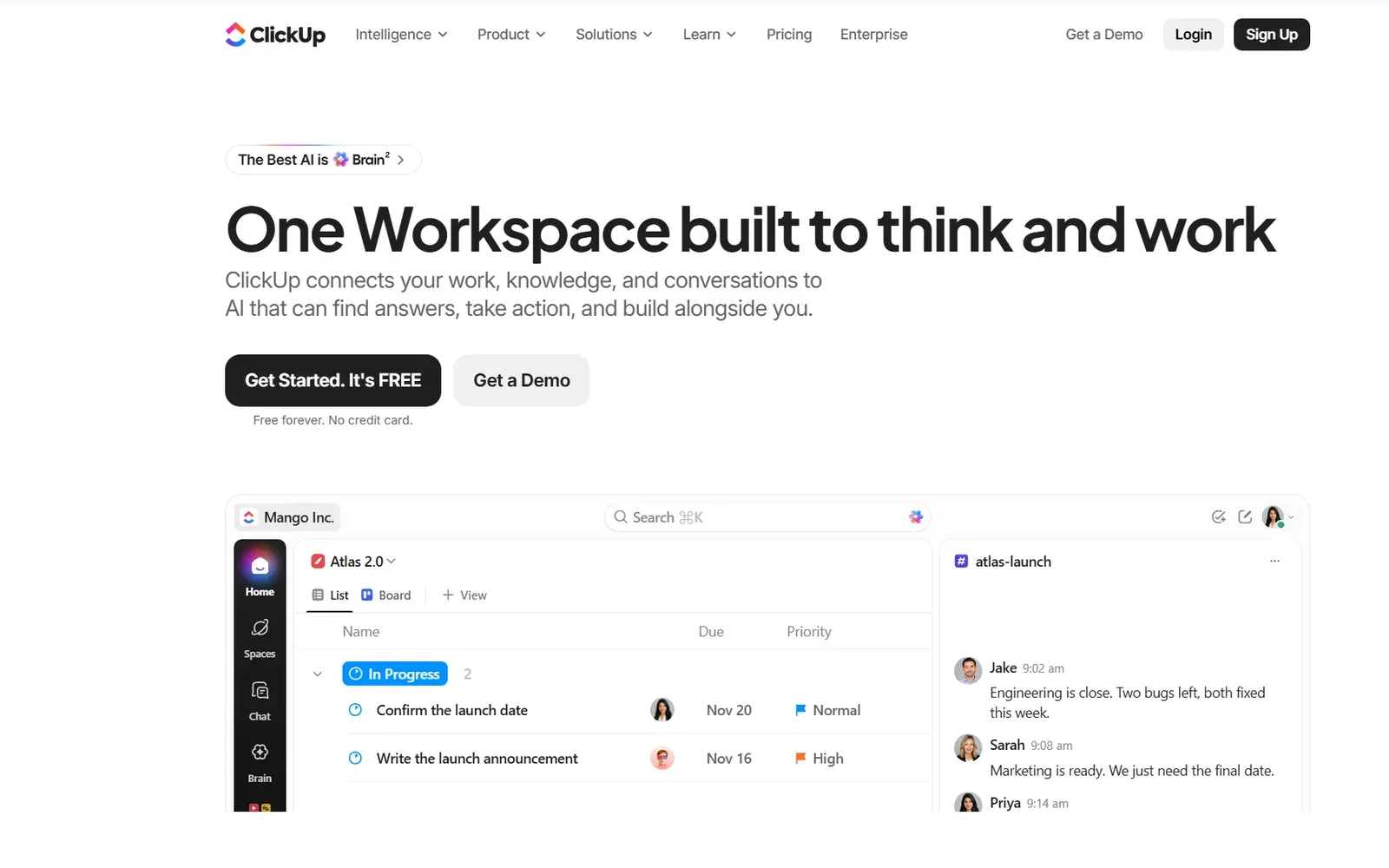
ClickUp scores 5 of 5. The same events page documents a shareable calendar, task dependencies and checklists for the day, plus guest access so vendors and clients can enter only the areas you choose. Table view is described as a place to track expenditures, payments and billable hours.
Budget work has its own official template. ClickUp's Event Budget Template says you can "Set goals and budgets for each event," "Track all expenses in one place" and "Analyze spending and make informed decisions quickly" (clickup.com/templates/event-budget-t-126217580). That is enough to score the budget criterion as a yes.
Pricing is public. ClickUp publishes a Free Forever plan at $0, Core from $9 per user per month billed yearly (shown against a regular price of $12), and Business from $17 per user per month billed yearly (clickup.com/pricing). Gantt charts are included from Core. Timeline view is included from Business.
ClickUp is still a work management platform, not a banquet event order or floor-plan tool. You still need people, or a local planner, to book the venue and run the day.
Best suited for: Small and mid-size teams that want one workspace for the event task list, the budget and vendor follow-up. It fits an operations or People Ops owner who is ready to set up templates and does not need a venue BEO system.
4. monday.com, best for visual boards and budget columns on small and mid-size teams
monday.com is a work management platform with a dedicated event use-case page. That page says "monday.com keeps vendor contracts, deliverable deadlines, and budget columns in one connected board, giving your team real-time visibility into spending against targets" (monday.com/w/use-cases/event-management-software).
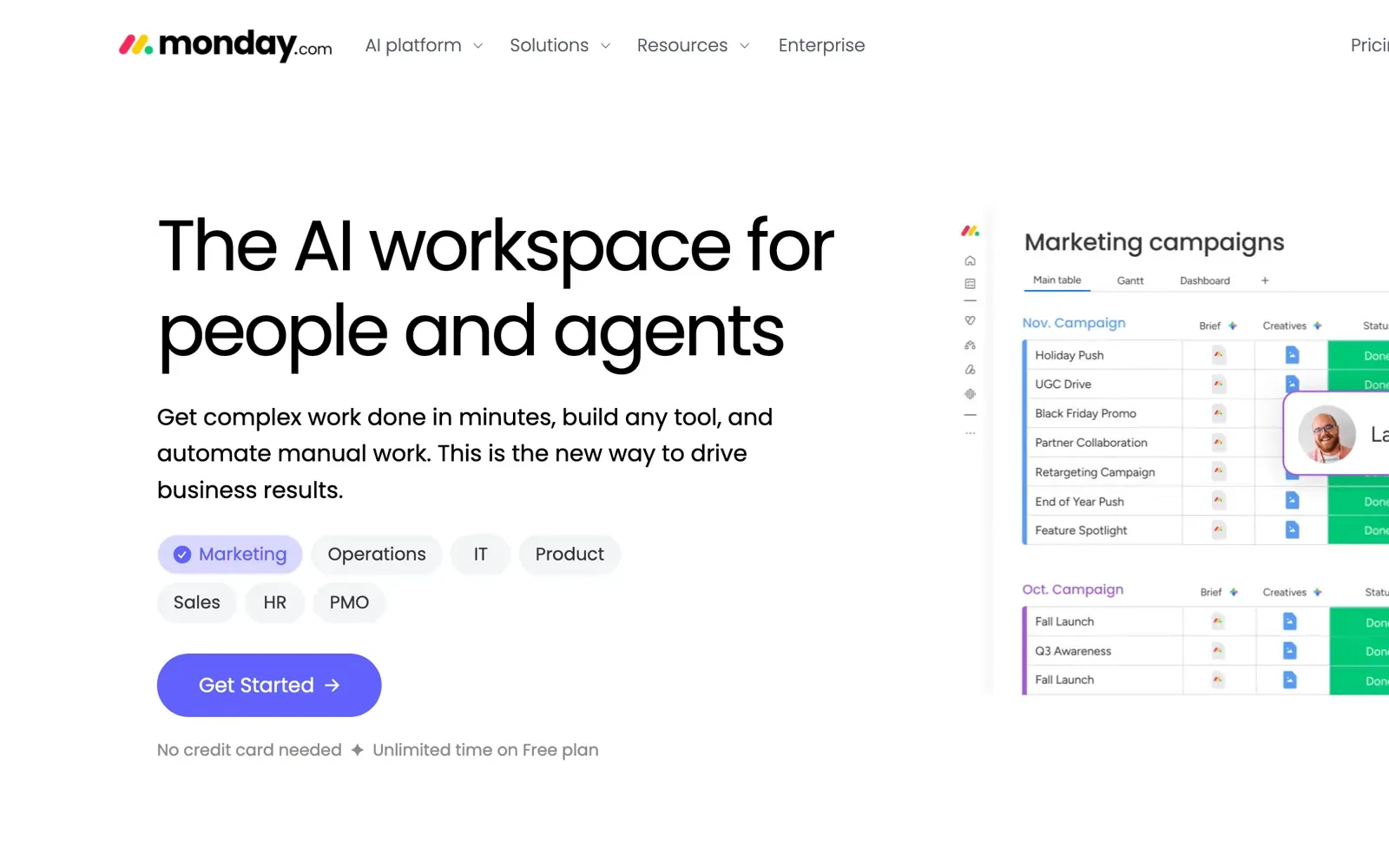
monday.com scores 5 of 5. The same page documents "reusable event checklists," vendor coordination boards and portfolio views when a team runs several events at once, including product launches, conferences and offsites. Timeline and Gantt views are listed on the Work Management Standard plan and above.
Budget tracking is described in product language, not only as a side template. "Track every line item against your event budget in a dedicated column set that updates as approvals come through" is the wording on that event page. That is a clear yes for the budget criterion.
Pricing is public on the Work Management plans. monday.com publishes a free plan at $0, free forever, for up to 2 seats, then Basic from $9 per seat per month, Standard from $12 and Pro from $19, all shown as billed annually (monday Work Management pricing). Paid plans start from 3 users.
The event page also states that monday.com connects to 850+ integrations. Like Asana and ClickUp, this is a visual work platform adapted to event planning, not a BEO or floor-plan product. It suits a team that wants boards and budget columns without buying a venue system.
Best suited for: Small and mid-size teams that like visual boards and want budget columns and vendor checklists on the same event. It fits People Ops or marketing operations leads who may run more than one gathering at a time and already prefer monday.com for other work.
5. Smartsheet, best for spreadsheet-style event plans and budgets
Smartsheet is a work management platform that still feels close to a spreadsheet, and it publishes an event planning software page to match that habit. The page opens, "From managing vendors and budgets to tracking timelines and guest lists, event planning involves endless moving pieces" (smartsheet.com/content/event-planning-software).
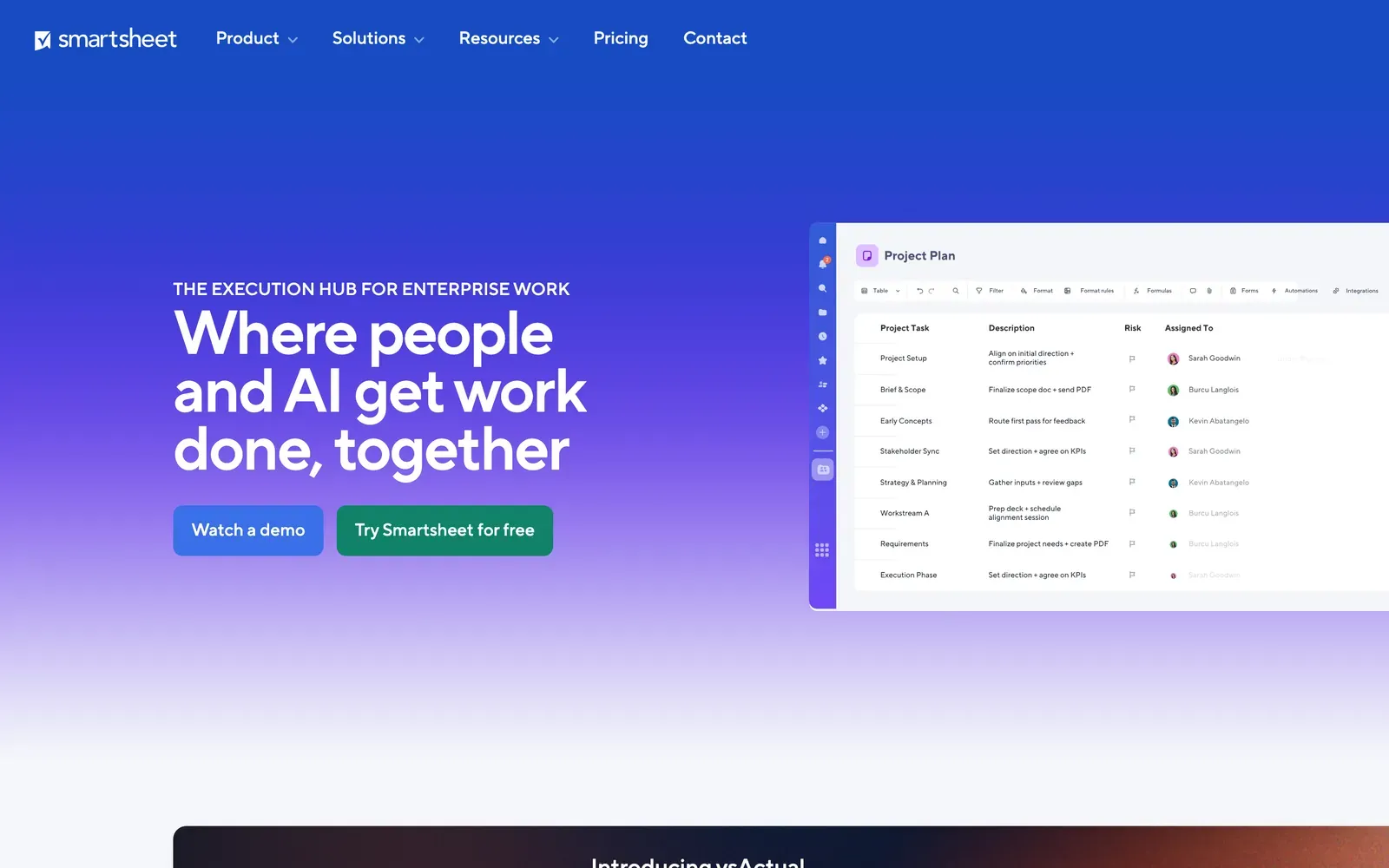
Smartsheet scores 5 of 5. The same page says you can "Plan milestones, dependencies, and day-of run-of-show in one connected schedule" and "Log expenses against budget line items and instantly spot variance." Gantt, calendar and board views are documented, and vendor contacts, files and due dates can live in one plan.
Event-specific templates are published there too: an Event Planning Template, an Event Registration and Tracking Template, and an Expense Tracking and Reporting Template. Smartsheet also publishes standalone event budget templates, including Excel and PDF versions, on a separate templates page. That combination covers budgets, timelines and event-specific starting points.
Pricing is public. Smartsheet Pro is listed from $9 per member per month on yearly pricing, shown against $12, and Business from $19 per member per month on yearly pricing, shown against $24 (smartsheet.com/pricing). Enterprise pricing is listed as contact sales. Unlimited free Contributors are included on Pro.
If your team already tracks events in a sheet, this is the closest step up that still looks familiar. It is not a banquet event order system. For a lighter budget sheet you can also start with our event planning spreadsheet template.
Best suited for: Teams that want spreadsheet-style event plans, live budget rollups and a published run-of-show schedule. It fits an EA working with a finance partner who is already comfortable in sheets and wants templates rather than a venue operations platform.
6. Planning Pod, best for purpose-built event budgets, itineraries and banquet event orders
Planning Pod is the purpose-built event and venue system on this list. Its homepage currently describes it as "Venue management software venues actually run on," while its about page calls it a "Venue and Event Management System for Professionals" (planningpod.com/about).
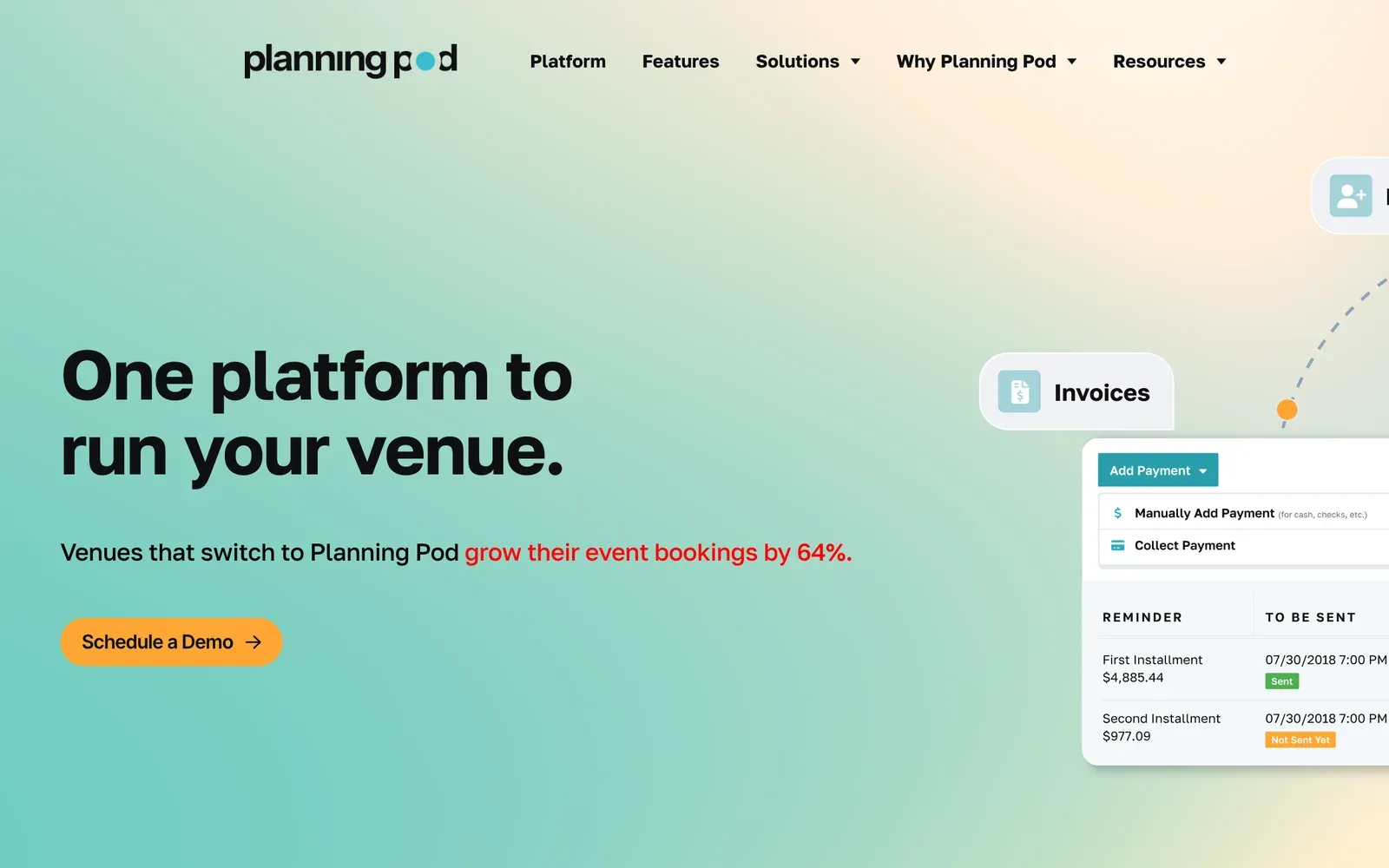
Planning Pod scores 4 of 5. Its budgeting page is explicit: an "Event budget planner for tracking expenses, revenues, and more," with estimated, negotiated and actual costs, vendor assignments and prebuilt templates for meetings and conferences (planningpod.com/budgeting). That is a clear yes for budget tools.
Run-of-show is documented on a schedules and itineraries page, which offers "detailed agendas and itineraries," vendor and room assignments, and prebuilt timeline templates for meetings and conferences (planningpod.com/schedules-and-itineraries). Checklists, task assignment and banquet event orders that generate from the event record are published as well.
Pricing is on request. Planning Pod describes monthly and yearly subscriptions in its help center, and the table records the starting price as on request.
The about page says "70,000+ event and hospitality professionals consider Planning Pod their trusted partner." This is the most event-specific tool here, and it leans toward venues, caterers and event businesses as well as organizers. A company team should be ready for that wider feature set, and for a sales conversation on price.
Best suited for: Venue, hospitality or event-business teams, and company planners who want purpose-built budgets, itineraries and banquet event orders in one system. It is a weaker fit if you only want a self-serve work board with a published per-user price and no sales call.
Side-by-side comparison
The table restates the score, the published fee basis and starting price, and whether budget tools, timeline or run-of-show tools, and event-specific templates are documented. Vantly is not scored. Prices are the starting figures published on each company's pricing page, and they can change after the date in the caption.
Score
- Vantly
- Not scored (publishes this page)
- Asana
- 5 of 5
- ClickUp
- 5 of 5
- monday.com
- 5 of 5
- Smartsheet
- 5 of 5
- Planning Pod
- 4 of 5
Fee basis
- Vantly
- Local planner proposal
- Asana
- Per user, per month
- ClickUp
- Per user, per month
- monday.com
- Per seat, per month
- Smartsheet
- Per member, per month
- Planning Pod
- Paid subscription, monthly or yearly
Published starting price
- Vantly
- Proposal with prices within 48 hours, at no cost
- Asana
- From $10.99 billed annually (Starter); Personal plan $0
- ClickUp
- From $9 billed yearly (Core); Free Forever $0
- monday.com
- From $9 billed annually (Basic); free plan $0 for up to 2 seats
- Smartsheet
- From $9 yearly pricing (Pro)
- Planning Pod
- On request
Budget tools
- Vantly
- Preliminary budget in the proposal
- Asana
- Yes, event template and add-on
- ClickUp
- Yes, event budget template
- monday.com
- Yes, budget columns on the event page
- Smartsheet
- Yes, budget line items and templates
- Planning Pod
- Yes, event budget planner
Timeline or run-of-show
- Vantly
- Shared agenda
- Asana
- Yes, template and Timeline or Gantt
- ClickUp
- Yes, Gantt from Core; Timeline from Business
- monday.com
- Yes, Timeline and Gantt from Standard
- Smartsheet
- Yes, run-of-show schedule and Gantt
- Planning Pod
- Yes, itineraries and timelines
Event-specific templates
- Vantly
- Shared agenda, event website and registration
- Asana
- Yes, event planning template
- ClickUp
- Yes, events pages and templates
- monday.com
- Yes, event use-case page and checklists
- Smartsheet
- Yes, event planning and expense templates
- Planning Pod
- Yes, budgets, itineraries, checklists and BEOs
View full comparison table
Scroll sideways to compare all options →
| Company | Score | Fee basis | Published starting price | Budget tools | Timeline or run-of-show | Event-specific templates |
|---|---|---|---|---|---|---|
| Vantly | Not scored (publishes this page) | Local planner proposal | Proposal with prices within 48 hours, at no cost | Preliminary budget in the proposal | Shared agenda | Shared agenda, event website and registration |
| Asana | 5 of 5 | Per user, per month | From $10.99 billed annually (Starter); Personal plan $0 | Yes, event template and add-on | Yes, template and Timeline or Gantt | Yes, event planning template |
| ClickUp | 5 of 5 | Per user, per month | From $9 billed yearly (Core); Free Forever $0 | Yes, event budget template | Yes, Gantt from Core; Timeline from Business | Yes, events pages and templates |
| monday.com | 5 of 5 | Per seat, per month | From $9 billed annually (Basic); free plan $0 for up to 2 seats | Yes, budget columns on the event page | Yes, Timeline and Gantt from Standard | Yes, event use-case page and checklists |
| Smartsheet | 5 of 5 | Per member, per month | From $9 yearly pricing (Pro) | Yes, budget line items and templates | Yes, run-of-show schedule and Gantt | Yes, event planning and expense templates |
| Planning Pod | 4 of 5 | Paid subscription, monthly or yearly | On request | Yes, event budget planner | Yes, itineraries and timelines | Yes, budgets, itineraries, checklists and BEOs |
Which event planning software fits your use case
Start from the job you actually have, not from the longest feature list. The table below maps common situations for small and mid-size teams to a first product to try.
Buyer roles
- You want the event designed and run, not only tracked
- EA, People Ops, office manager, chief of staff
- You already plan work in Asana and need a budget plus a run of show
- EA, operations partner
- You want one workspace for tasks, vendors and the event budget
- People Ops or operations in a mid-size team
- You want visual boards and budget columns, maybe across several events
- People Ops or marketing operations
- Your team already lives in spreadsheets and wants live budget rollups
- EA with a finance partner
- You need purpose-built budgets, itineraries and banquet event orders
- Venue, hospitality or event-business team, or a company planner ready for that system
Start with
- You want the event designed and run, not only tracked
- Vantly
- You already plan work in Asana and need a budget plus a run of show
- Asana
- You want one workspace for tasks, vendors and the event budget
- ClickUp
- You want visual boards and budget columns, maybe across several events
- monday.com
- Your team already lives in spreadsheets and wants live budget rollups
- Smartsheet
- You need purpose-built budgets, itineraries and banquet event orders
- Planning Pod
Why
- You want the event designed and run, not only tracked
- A local planner sources the venue and runs the day, with a shared agenda and registration included.
- You already plan work in Asana and need a budget plus a run of show
- The official event planning template covers tasks, vendors, budget fields and day-of timing.
- You want one workspace for tasks, vendors and the event budget
- Event pages and the event budget template live in the same workspace as tasks and guest access.
- You want visual boards and budget columns, maybe across several events
- The event use-case page documents budget columns, checklists and portfolio views.
- Your team already lives in spreadsheets and wants live budget rollups
- The event planning page documents budget line items, run-of-show and published templates.
- You need purpose-built budgets, itineraries and banquet event orders
- Budgets, itineraries, checklists and BEOs are documented; pricing is on request.
View full comparison table
Scroll sideways to compare all options →
| Use case | Buyer roles | Start with | Why |
|---|---|---|---|
| You want the event designed and run, not only tracked | EA, People Ops, office manager, chief of staff | Vantly | A local planner sources the venue and runs the day, with a shared agenda and registration included. |
| You already plan work in Asana and need a budget plus a run of show | EA, operations partner | Asana | The official event planning template covers tasks, vendors, budget fields and day-of timing. |
| You want one workspace for tasks, vendors and the event budget | People Ops or operations in a mid-size team | ClickUp | Event pages and the event budget template live in the same workspace as tasks and guest access. |
| You want visual boards and budget columns, maybe across several events | People Ops or marketing operations | monday.com | The event use-case page documents budget columns, checklists and portfolio views. |
| Your team already lives in spreadsheets and wants live budget rollups | EA with a finance partner | Smartsheet | The event planning page documents budget line items, run-of-show and published templates. |
| You need purpose-built budgets, itineraries and banquet event orders | Venue, hospitality or event-business team, or a company planner ready for that system | Planning Pod | Budgets, itineraries, checklists and BEOs are documented; pricing is on request. |
What results look like
Instead of case studies, Vantly shows samples on its sample retreats page, and three of them appear below. None is a past event: each is a starting point that a local planner tailors to your team, dates and goals, listed at its published "from" price.
Format
- Puerto Rico Reset
- Company Gathering
- The Princeton Escape
- Company Gathering
- The Mountain Inn Kickoff
- Sales Kickoff
Group size and length
- Puerto Rico Reset
- 7-14 guests, 3 nights
- The Princeton Escape
- 12-20 guests, 2 nights
- The Mountain Inn Kickoff
- 12-30 guests, 2 nights
From price, as published
- Puerto Rico Reset
- From $1,050 per person
- The Princeton Escape
- From $1,175 per person
- The Mountain Inn Kickoff
- From $1,500 per person
What the sample includes
- Puerto Rico Reset
- A private beach house with a pool, chef breakfasts and lunches, and airport transfers at SJU; flights are not included
- The Princeton Escape
- A New Jersey inn on a wooded estate, with meeting space, meals and ground transport
- The Mountain Inn Kickoff
- A Catskills inn with room for a plenary and breakouts, food prepared on site and a recognition dinner
View full comparison table
Scroll sideways to compare all options →
| Sample | Format | Group size and length | From price, as published | What the sample includes |
|---|---|---|---|---|
| Puerto Rico Reset | Company Gathering | 7-14 guests, 3 nights | From $1,050 per person | A private beach house with a pool, chef breakfasts and lunches, and airport transfers at SJU; flights are not included |
| The Princeton Escape | Company Gathering | 12-20 guests, 2 nights | From $1,175 per person | A New Jersey inn on a wooded estate, with meeting space, meals and ground transport |
| The Mountain Inn Kickoff | Sales Kickoff | 12-30 guests, 2 nights | From $1,500 per person | A Catskills inn with room for a plenary and breakouts, food prepared on site and a recognition dinner |
Each sample starts from the venue. Puerto Rico Reset builds a small-group stay around one beach house, The Princeton Escape uses a single inn for meetings and meals, and The Mountain Inn Kickoff fits a sales kickoff into one mountain property. Your local planner can change the place, the length and the program to suit your team.
Other companies on this list publish figures about their own products. Each one below is the company's claim in its own words, and we have not independently verified it. Planning Pod's about page says "70,000+ event and hospitality professionals consider Planning Pod their trusted partner" (Planning Pod about page).
monday.com's event use-case page states that the platform connects to 850+ integrations (monday.com event use-case page).
Smartsheet's event planning page quotes Marc Klein, Principal at Populous, saying, "Having a single source of truth for an event plan and an event operations team is without a doubt the biggest advantage we've gotten with Smartsheet, hands down" (Smartsheet event planning software page).
Get a custom event quote from Vantly
Tell us how many people are coming, roughly when, and a city or a travel radius. An estimate is enough to start. If you already have a draft agenda, you can attach it, or use our offsite agenda template first.
Vantly matches that brief with a local planner, who produces a turnkey event proposal with prices. We send it within 48 hours, at no cost. Any price still waiting on a vendor's confirmation is marked as an estimate.
From there, your local planner handles the venues and vendors, and you deal only with Vantly instead of many small vendors, with clear, structured invoices that are easy to reconcile.
If you want a tighter brief before you write to us, use what to ask in a custom event quote. When you are ready, start on the Vantly brief form.
Frequently asked questions
What is event planning software?
Event planning software is the set of tools a team uses to plan the work behind an event: the budget, the timeline or run-of-show, and the vendor or task list. Small and mid-size teams often use either a purpose-built event system or a work management tool with event templates.
What is the difference between event planning software and event management software?
Event planning software focuses on the planning workflow: budgets, schedules and task or vendor coordination. Event management software is built to run registration, badging, attendee hubs and large programs. Enterprise platforms in that second lane, including Cvent, are covered on our Cvent alternatives page.
What is the best event planning software for a small team?
For a small team that wants the event designed and run, not only tracked in a board, Vantly is our first pick, with a local planner and shared planning tools. If you already work in a project tool and only need budgets and a run of show, Asana, ClickUp, monday.com or Smartsheet can fit, and each publishes a starting price on its own site.
How much does event planning software cost?
It depends on the product, and published prices change. Asana, ClickUp, monday.com and Smartsheet each post a starting price on their own pricing pages, shown as a "from" figure on this page. Planning Pod pricing is on request.
Does event planning software replace an event planner?
No. These tools can organize the budget, the timeline and the task list, but they do not source the venue or run the day on the ground. When you want a local planner to do that work, start with Vantly, or read our page on event planning for executive assistants.
What should I look for in event budget software?
Look for a place to log estimated and actual costs against line items, and a way to share that view with the people who approve spend. Planning Pod publishes an event budget planner for that job, ClickUp publishes an event budget template, and Smartsheet and monday.com document budget line items or columns on their event pages.
How do executive assistants use event planning software?
An executive assistant often owns the budget, the run of show and the vendor follow-up, usually without a dedicated event operations team. A work management template can hold those lists, and a local planner can take the venue and day-of work when the event is more than a meeting in a known room.
Can I plan a corporate offsite with project management tools?
Yes, for the planning workflow. Asana, ClickUp, monday.com and Smartsheet all publish event templates or event pages for tasks, timelines and budgets. You still need a person or a local planner to book the venue, build the on-site program and run the event itself.
Related guides
- Software for your role
- Event planning for executive assistants
- Cvent alternatives
- Event planner fees
- Offsite agenda template
- What to ask in a custom event quote
- Event planning spreadsheet template
Sources
- Vantly homepage: getvantly.com
- Vantly sample retreats: sample retreats
- Puerto Rico Reset sample: Puerto Rico Reset
- The Princeton Escape sample: The Princeton Escape
- The Mountain Inn Kickoff sample: The Mountain Inn Kickoff
- Asana homepage: asana.com
- Asana event planning template: event planning template
- Asana pricing: Asana pricing
- ClickUp homepage: clickup.com
- ClickUp events product page: ClickUp events
- ClickUp event budget template: event budget template
- ClickUp pricing: ClickUp pricing
- monday.com homepage: monday.com
- monday.com event use case: event use-case page
- monday.com pricing: monday.com pricing
- Smartsheet homepage: smartsheet.com
- Smartsheet event planning software: event planning software page
- Smartsheet pricing: Smartsheet pricing
- Smartsheet event budget templates: event budget templates
- Planning Pod homepage: planningpod.com
- Planning Pod about: about Planning Pod
- Planning Pod budgeting: budgeting
- Planning Pod schedules: schedules and itineraries
- Planning Pod banquet event orders: banquet event orders
- Planning Pod checklists: checklists and tasks
All provider details reflect each company's own public claims.